


Key takeaways
- Client: a growing organization with distributed teams that travel often and manage operational expenses.
- Problem: expenses tracked in spreadsheets and chat threads, with inconsistent categories, manual entry, missing receipts and slow reimbursements.
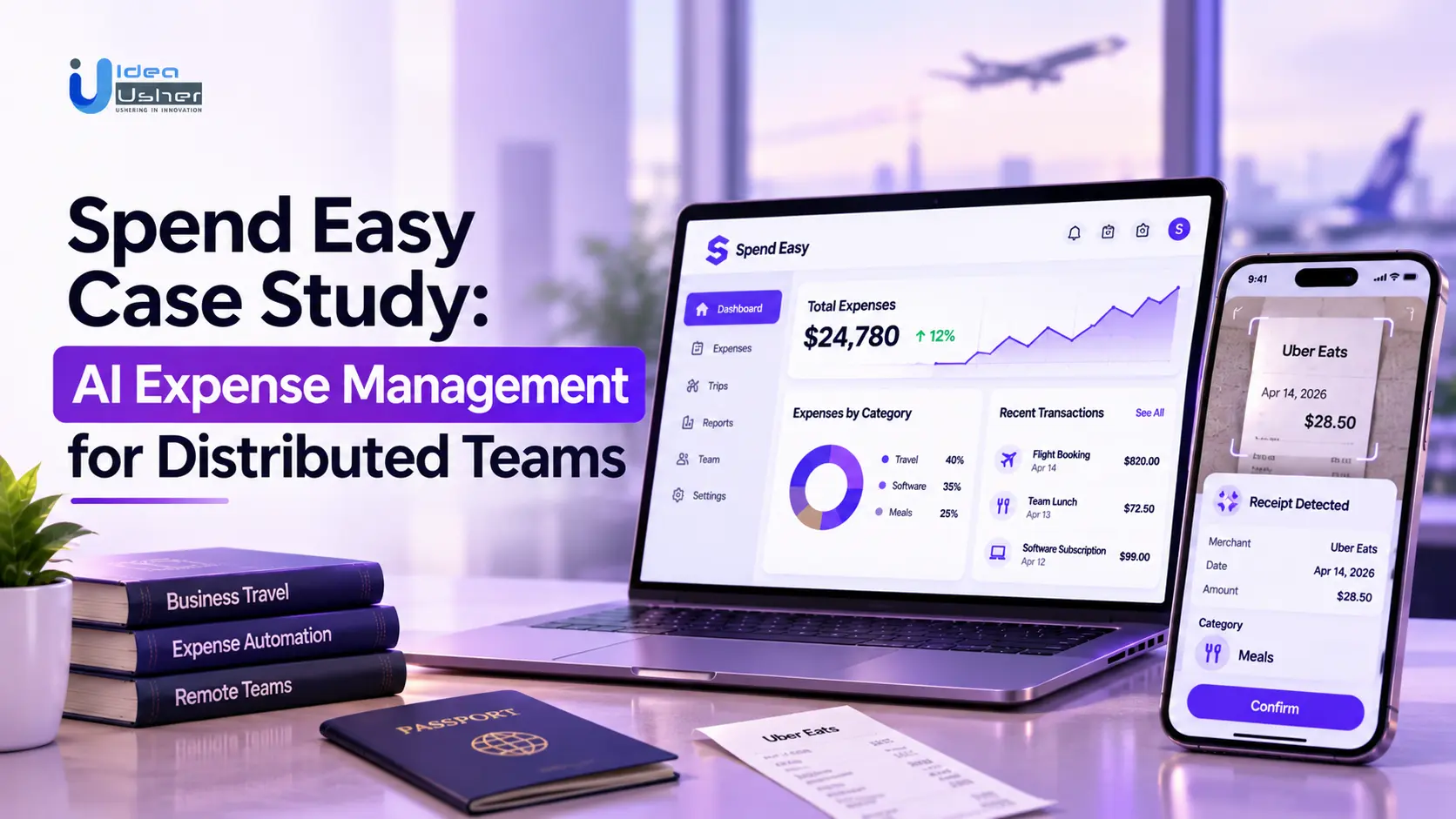
- What we built: an AI-powered expense management platform for web and mobile, with receipt scanning, automated categorization, budget checks and multi-level approvals.
- Reported results: report creation time down 38%, approval cycles 42% faster, reimbursement delays down 25%, manual data entry down 55%.
Expense management looks like a solved problem until you watch how a distributed team actually does it. Receipts live in camera rolls, approvals live in chat threads, and the real budget lives in a spreadsheet that one person updates when they remember. This case study covers Spend Easy, an AI-powered expense management platform that Idea Usher built for an organization with exactly that problem. It explains what the client was dealing with, how the platform is designed, and what changed once it was in use.
In This Case Study
- The client and the challenge
- Why spreadsheets and chat threads break down
- What the team set out to solve
- How the platform works
- How a claim moves through the system
- Design decisions that shaped the product
- Results
- Why the design matters for agent payments
- Questions teams ask before building something similar
The Client and the Challenge
The client ran a growing operation with teams spread across locations. Many of those people traveled often, and every trip created a stream of small operational expenses: transport, meals, accommodation, supplies and cash advances.
Tracking all of it relied on spreadsheets, chat threads and a handful of disconnected tools. Each person recorded expenses in their own way, so the same kind of spend landed in different categories depending on who entered it. Finance had little visibility into budgets while money was already moving.
The costs added up in several places at once:
- Inconsistent categorization. Reports could not be compared across teams or trips without cleanup.
- Manual data entry. Someone had to retype vendor, date and amount from every receipt.
- High reporting cost. Assembling a report meant gathering files from several places and reconciling them by hand.
- Delayed approvals and reimbursements. Claims waited in chat threads, and employees who had paid out of pocket waited for their money.
- Missing or unclear receipts. Without a standard capture step, receipts went missing or arrived unreadable.
Why Spreadsheets and Chat Threads Break Down
Spreadsheets work for a small team that sits in one room. They stop working when the team spreads out, because nobody owns the single source of truth. Two people edit different copies, a formula breaks, and the only way to find out what happened is to ask around.
Chat threads fail for a different reason. They are good for a quick yes or no, but they leave no structured record. A manager who approves an expense in a message has made a decision that finance cannot easily find three months later. There is no consistent field for amount, category or approver, so every question about past spending becomes a search through conversations.
Combined, the two tools create a gap between when money is spent and when anyone can see it. That gap is where budgets overrun and where reimbursements stall. It was the core problem this project set out to close.
What the Team Set Out to Solve
The brief had three goals.
- Make recording an expense take seconds. People should capture spending when it happens, not at the end of the month when they have to remember what each receipt was for.
- Make categorization consistent without relying on each person to get it right. The platform should apply the rules, so reports mean the same thing across teams.
- Give managers and finance one view of spending. Approvals should move along a clear path, and anyone with the right role should be able to see where a claim stands.
Those goals shaped the product. Instead of a generic expense form, the platform organizes spending around the trip, applies rules automatically, and sends each claim through a defined approval chain.
How the Platform Works
Trip-Based Organization
Expenses are grouped by trip, and travel documents such as tickets and bookings are stored alongside them. A person can see everything connected to one journey in one place, and a report for that trip can be generated without rebuilding it from scattered records. Administrators get company-wide trip oversight, so they can see all trips and their spending at once.
AI Receipt Scanning
A person photographs a receipt on their phone. The platform extracts the vendor, date and amount, so the details do not have to be typed in. That single change removes much of the manual entry that used to slow every claim down, and it makes capturing a receipt a habit instead of a chore.
Automated Categorization
Each expense is assigned a category automatically. This keeps reporting consistent across teams, and it means finance no longer has to clean up mismatched labels at the end of the month.
Budget Monitoring and Cash Advances
Spending is checked against defined limits, so a manager can see when a trip or department is close to its budget before the money is spent. Cash advances are tracked and reconciled against the expenses they were meant to cover, with a record of each reconciliation.
Multi-Level, Role-Based Approvals
Claims move through a workflow with a manager step and an administrator step. Each role sees only what it needs, and each decision is recorded in the central ledger. User management with role-based permissions controls who can submit, approve and administer.
A Central Ledger and Dashboard
Every expense lives in one ledger, filterable by department, trip or date range. The dashboard shows status, from submitted through approved and reimbursed, along with spending trends over time. Trip-based reporting turns the ledger into reports without extra assembly work.
Web, Mobile and Sync
The product runs on the web, on iOS and Android, and as a progressive web app. Data syncs across devices through the cloud, so a receipt photographed on a phone appears in the desktop ledger without any manual step. Data is handled with enterprise-level encryption.
How a Claim Moves Through the System
To make the design concrete, here is how a typical claim moves through a platform built this way. This is an illustration of the workflow, not a record of a specific transaction.
- Capture. A traveler photographs a taxi receipt. The platform reads the vendor, date and amount and attaches the expense to the active trip.
- Categorize. The platform assigns a category without the traveler choosing one.
- Check. The expense is compared against the trip and department budget. If it pushes spending close to a limit, the manager can see that before approving.
- Approve. The claim goes to the manager. After the manager approves, it moves to the administrator step if the workflow requires one.
- Record. Each decision is written to the central ledger with the person who made it.
- Reimburse. Once approved, the claim shows as ready for reimbursement, and the dashboard tracks it through to payment.
Every step leaves a record, and nobody has to ask in a chat thread where a claim stands.
Design Decisions That Shaped the Product
Capture first, everything else second. The receipt scan is the entry point because it is the step people skip when it is tedious. If capture is fast, the rest of the data follows.
The trip is the unit of organization. People think in trips, not in line items. Grouping by trip matches how travelers remember their spending and how managers review it.
Rules live in the platform, not in people’s heads. Categorization, budget checks and approval paths are applied by the system. That is what makes the data consistent across teams.
Roles limit what each person sees. A traveler, a manager and an administrator each get the view they need. This keeps the interface simple and protects sensitive financial data.
One ledger, many views. The same records power trip reports, department filters and the dashboard. Nobody maintains a separate copy for their own reporting.
Results
The figures below are the outcomes reported for this project:
- 38% less time to create reports
- 42% faster approval cycles
- 25% fewer reimbursement delays
- 55% less manual data entry
Each number maps to a problem the client started with. Faster report creation reflects the shift from manual assembly to a single ledger. Quicker approvals reflect the move from chat threads to a defined workflow. Fewer reimbursement delays follow from faster approvals, and less manual entry comes from receipt scanning and automated categorization.
Beyond these measures, the platform reduced the administrative workload on finance and managers, improved categorization accuracy, and increased adoption among remote teams. The client could also handle a higher volume of transactions without adding operations staff.
Why the Design Matters for Agent Payments
Expense approvals and AI agent spend limits solve the same underlying problem. Money should move only when a rule allows it, and every decision should leave a record that someone can review later.
The budget checks, approval chain and central ledger in this project follow the same principles we recommend for agent payments:
- Rules enforced in software, before the spend happens. The same idea as a policy engine that checks an agent’s purchase before any credential is released.
- Role-based limits. The same idea as scoped credentials that restrict what each agent can buy.
- A record of every decision. The same idea as an audit ledger that logs approvals and declines.
A company that already trusts this kind of control for employee spending has a head start when it extends the same discipline to autonomous agents. For the full architecture, read our guide on agentic commerce and AI payment development.
Questions Teams Ask Before Building Something Similar
Should we build a custom expense platform or buy one?
Buy when your process fits a standard tool. Build when your approval paths, trip structure or reporting needs are specific to your business, or when expense data has to connect to your own systems. Many teams start with a tool and move to custom software once the workarounds outweigh the license savings.
How accurate does receipt scanning need to be?
It needs to be accurate enough that people trust it without rechecking every field. A good design lets the user correct a field in one tap and keeps the original receipt image attached, so a reviewer can always see the source.
Which features should come first?
Start with capture, categorization and a single approval path. Add budgets, cash advance reconciliation and richer reporting once the team is using the core flow.
How do you keep expense data secure?
Combine encryption for data in storage and in transit, role-based permissions, and a ledger that records who did what. These controls also make audits simpler.
Talk to Us About Your Build
If you are building a fintech product that needs approvals, budgets or audit trails, book a discovery call. You can also read our fintech software development services to see how we approach payment and compliance-heavy products.


