




AI-Powered Clinical Charting

AI Dental Charting Software Development Services

We build AI dental charting software that automates tooth charting, converts voice notes into structured clinical records, and reads radiographs — so your team spends less time on data entry and more time with patients.

800+ Products Shipped Healthcare Software Experience HIPAA-Ready Development
Voice Note Captured
Radiograph Analyzed
AI Charting — Live Exam
Recording
14
15
16
17
18
"Distal caries noted on 15, recommend composite"
Auto-charted to tooth #15 — Restorative
Charting Time68% Faster
Radiograph ReviewAI-Flagged
PMS SyncConnected
Built For Modern Dental Workflows
Tooth ChartingPeriodontal ChartingVoice-to-Text NotesRadiograph AnalysisTreatment PlanningPMS IntegrationHIPAA-Ready Tooth ChartingPeriodontal ChartingVoice-to-Text NotesRadiograph AnalysisTreatment PlanningPMS IntegrationHIPAA-Ready
Overview

What Is AI Dental Charting Software?

AI dental charting software uses machine learning, computer vision, and speech recognition to fill in a patient's dental chart automatically during an exam — reading radiographs, listening to a dentist's spoken findings, and cross-referencing history, instead of relying purely on manual point-and-click charting. Instead of one tool doing one job, the software chains several AI models together behind a single chairside interface: an imaging model, a speech model, and a charting-logic layer that reconciles what both of them find against the existing record.

How AI Improves Dental Charting

AI models trained on radiographs and clinical notes can detect caries, bone loss, and existing restorations, then map findings directly onto the correct tooth surface. Paired with voice-to-text, a dentist can narrate findings out loud during the exam and have the chart populate in real time, cutting the lag between diagnosis and documentation.

The system doesn't just transcribe — it reconciles. If a spoken note conflicts with what the imaging model flagged, or a finding doesn't match the patient's last visit, it surfaces the discrepancy for the provider to resolve rather than silently picking one answer, so the human stays the final decision-maker on every chart entry.

1
Capture — image, speech, and exam input
2
Analyze — models cross-check findings
3
Chart — provider reviews and confirms

Why Dental Practices Need Intelligent Charting Software

Manual charting is one of the biggest time sinks in a dental visit, and inconsistent documentation creates real risk for insurance claims and audits. Hygienists and dentists routinely charting from memory after the patient has left the chair is a common source of the exact discrepancies payers flag during review.

The dental charting software market is projected to grow from roughly $2.35B in 2026 to $3.88B by 2031, with AI-driven charting and diagnostics the fastest-growing segment of that market. Practices that adopt now aren't just saving time today — they're building a documentation habit and a data set that gets more useful with every patient charted.

$3.88BMarket By 2031
13.15%AI Segment CAGR
Why It Matters

Benefits Of AI Dental Charting Software

Real-Time

Faster and More Accurate Dental Records

Charts populate in real time from voice and imaging input instead of manual entry after the fact, cutting transcription errors and keeping records consistent across every provider in the practice. Because the entry happens during the exam rather than from memory afterward, the record reflects what was actually observed at the chair.

Typical result: charting time cut by roughly half
Auto-Mapped

Automated Tooth Charting and Treatment Notes

AI maps findings to the correct tooth and surface automatically and drafts treatment notes from what was said during the exam, so the record is complete before the patient leaves the chair. The same engine that charts the finding also drafts the corresponding note, so the two never drift out of sync the way manually-typed notes sometimes do.

Reduces end-of-day charting cleanup
Hands-Free

Reduced Manual Data Entry

Hygienists and dentists spend less time clicking through chart forms and more time examining and talking with the patient, since most of the entry happens automatically in the background from what's said and imaged. Fewer clicks per exam also means less end-of-shift fatigue for clinical staff.

Fewer clicks per exam, less staff fatigue
Cross-Checked

Better Clinical Decision Support

Findings are cross-checked against a patient's history and prior imaging, surfacing patterns a busy exam might miss and giving providers a second layer of review before treatment decisions. A finding that contradicts an earlier chart entry gets flagged instead of silently overwritten.

Catches inconsistencies across visits
Patient-Facing

Improved Patient Experience

Visual pathology overlays and clear, consistent charting make it easier to explain findings to patients, which supports treatment acceptance and trust in the diagnosis. Patients see the same image and markup the provider is looking at, not just a verbal description of a problem they can't verify.

Supports treatment plan acceptance
What's Included

Key Features Of AI Dental Charting Software

AI-Powered Tooth Charting

Automatically identifies each tooth and surface from imaging and exam input, then charts findings without manual clicking.

  • Detects tooth number and surface automatically
  • Flags conflicting entries for provider review
  • Learns your practice's charting conventions over time

Voice-to-Text Clinical Notes

Converts spoken exam narration into structured, tooth-linked clinical notes in real time during the appointment.

  • Tuned to dental terminology and shorthand
  • Links each note to the correct tooth automatically
  • Works hands-free while gloves stay on

Automated Periodontal Charting

Captures pocket depths, bleeding points, and recession readings and plots them onto the periodontal chart automatically.

  • Six-point probing captured per tooth
  • Bleeding and suppuration flagged instantly
  • Trends recession and pocket depth over time

Radiograph and Image Analysis

Reads bitewing, periapical, and panoramic images to flag caries, bone loss, and existing restorations for provider review.

  • Detects caries, bone loss, and restorations
  • Overlays findings directly on the image
  • Confidence-scored, never auto-diagnoses alone

Treatment Planning Support

Suggests treatment options based on charted findings and history, giving providers a starting point to refine, not replace.

  • Drafts a plan from charted findings
  • Surfaces relevant history automatically
  • Provider edits and approves before it's final

Patient History and Record Management

Keeps a longitudinal view of every chart entry, image, and note so providers can track change over time at a glance.

  • Full visit timeline in one view
  • Side-by-side comparison across visits
  • Searchable across notes and images

Integration with Dental Practice Management Software

Syncs charting data directly into the PMS you already run, so nothing has to be re-entered or reconciled by hand.

  • Two-way sync, not one-time export
  • Works with Dentrix, Eaglesoft, Open Dental, CareStack
  • No duplicate data entry between systems

Role-Based Access for Dentists, Hygienists, and Staff

Permissions scoped by role so each team member sees and edits only what their position requires.

  • Granular permissions per role
  • Admin visibility across every chair
  • Full activity log per user
Target Users

Who Can Use AI Dental Charting Software?

Private Practice

Dental Clinics and Private Practices

Independent and small-group practices looking to cut charting time without adding administrative headcount or a full-time scribe.

Best for 1-3 chair practices
Multi-Location

Dental Chains and Multi-Location Clinics

DSOs and multi-location groups that need consistent charting standards across every chair, every provider, and every site.

Best for standardizing care
Specialists

Orthodontists and Periodontists

Specialists who need charting tuned to periodontal measurements and orthodontic treatment tracking specifically, not a generic template.

Best for specialty-specific charting
Education

Dental Schools and Training Institutes

Teaching institutions that want AI-assisted charting as both a clinical tool and a training aid that shows students what the model flagged and why.

Best for teaching clinics
Platform Teams

Dental Software Companies and Startups

Product teams that want to embed AI charting capability into their own platform via API rather than building the underlying models from scratch.

Best for embedding via API
What We Build

Our AI Dental Charting Software Development Services

Core Platform Build

Custom Dental Charting Software Development

A full charting platform built around your practice's actual workflow, from odontogram to periodontal charts to treatment notes — not a generic template retrofitted for dentistry. This is the foundation every other service on this list plugs into.

  • Odontogram Builder
  • Periodontal Charts
  • Custom Workflow Logic

AI Model Development for Dental Data

Models trained specifically on dental imaging and charting data, not generic medical imaging repurposed for teeth — the difference shows up directly in detection accuracy.

  • Custom Training
  • Dental Datasets

Voice and Speech Recognition Integration

Speech-to-text tuned to dental terminology so spoken findings map correctly to the right tooth and condition, even with masks and operatory noise.

  • Vocabulary Tuning
  • Hands-Free Capture

Dental Imaging and Radiology AI Integration

Radiograph analysis pipelines that flag findings for provider review, integrated directly into the charting flow instead of living in a separate viewer.

  • Radiograph AI
  • Finding Overlays

EHR/EMR Integration

Two-way sync with EHR and EMR systems so charting data stays consistent with the broader patient record instead of living in a disconnected silo.

  • Two-Way Sync
  • HL7/FHIR

Cloud-Based Dental Software Development

Cloud infrastructure built for multi-chair, multi-location access with reliable uptime and automatic backups, so one outage never means lost charts.

  • Multi-Location
  • Auto Backups

Mobile and Tablet-Compatible Charting Apps

Chairside charting on tablets and mobile devices, built to stay fast and legible in a real operatory setting, not a shrunk-down desktop screen.

  • Tablet-Native
  • Offline-Safe
Under The Hood

Technologies Used In AI Dental Charting Software Development

Layer 01

Frontend Technologies

Fast, chairside-friendly charting interfaces that stay legible on desktop and tablet under exam lighting.

  • React
  • Next.js
  • Tailwind CSS
  • Canvas-Based Odontogram Rendering
Layer 02

Backend Technologies

Reliable services handling exam sessions, charting logic, and sync between chairs and locations.

  • Node.js
  • Python
  • PostgreSQL
  • Event-Driven Sync Layer
Layer 03

AI and Machine Learning Frameworks

Model training and inference pipelines purpose-built for charting and radiograph analysis.

  • PyTorch
  • TensorFlow
  • ONNX Runtime
  • Model Confidence Scoring
Layer 04

Natural Language Processing for Clinical Notes

Speech-to-text and note structuring tuned specifically to dental terminology and shorthand.

  • Whisper-Based ASR
  • Medical NLP Models
  • Custom Terminology Tuning
  • Tooth-Entity Linking
Layer 05

Cloud and Database Infrastructure

Scalable storage and compute sized for high-resolution imaging data plus structured chart records.

  • AWS / GCP
  • Object Storage For Imaging
  • Managed PostgreSQL
  • Multi-Region Backups
Layer 06

Security and Compliance Tools

Encryption, access control, and logging built into the platform from the ground up, not bolted on.

  • End-To-End Encryption
  • Role-Based Access Control
  • Audit Logging
  • BAA-Ready Infrastructure
How We Work

AI Dental Charting Software Development Process

Discovery and Requirement Analysis

Step 01~1-2 Weeks

Mapping your practice's exam and charting workflow, integration needs, and compliance requirements before any design work starts, so the platform fits how your team actually charts, not a generic assumption of it.

UX/UI Design for Clinical Workflows

Step 02~2 Weeks

Designing chairside-friendly screens built for fast use mid-exam, not a desk-bound admin tool — every screen is tested against how quickly a provider needs to move between teeth.

AI Model Selection and Training

Step 03~3-5 Weeks

Choosing and training models for charting, imaging analysis, and speech recognition on dental-specific data, then validating accuracy against real exam scenarios before it touches a live chair.

Software Development and Integration

Step 04~4-8 Weeks

Building the core platform and wiring it into your PMS, imaging software, and EHR/EMR systems so charting data flows both directions without manual reconciliation.

Testing, Validation, and Quality Assurance

Step 05~2-3 Weeks

Validating charting accuracy against real exam scenarios and edge cases before any provider relies on it in production, including how the system behaves when findings conflict.

Deployment and Implementation

Step 06~1-2 Weeks

Rolling out to chairs and locations with data migration and PMS sync configured and verified before go-live, chair by chair if needed to limit disruption.

Training, Support, and Maintenance

Step 07Ongoing

Onboarding your clinical team and providing ongoing support as usage patterns, models, and your practice's needs evolve over time.

Trust & Governance

Security, Privacy, and Compliance

Patient Data Protection

AES-256 encryption in transit and at rest for every chart entry, image, and note, so patient data stays protected end to end, on every device it touches.

HIPAA-Ready Development Practices

Architecture and workflows built to align with HIPAA requirements from day one, with a Business Associate Agreement available, not retrofitted after launch.

Secure Cloud Storage and Access Control

Role-based access control paired with secure cloud storage, so only the right people can view or edit a given patient record.

Audit Trails and Data Governance

Every access and edit is logged with a timestamp and user ID, giving your practice a clear governance trail for audits and internal review.

Compliance with Regional Healthcare Regulations

Configurable data handling to align with regional healthcare regulations beyond HIPAA as your practice expands into new markets.

The Idea Usher Difference

Why Choose Us For AI Dental Charting Software Development?

12+

Healthcare Software Development Experience

Years of building HIPAA-aware healthcare products means we know the compliance and workflow constraints going in, not learning them on your project.

AI

AI and Machine Learning Expertise

In-house teams trained on computer vision and NLP, not a generic dev shop bolting on a third-party AI API as an afterthought.

100%

Custom Solutions for Dental Workflows

Built around how a real exam actually happens in the chair, not a generic form adapted for dentistry after the fact.

1→N

Scalable and Secure Architecture

Infrastructure designed to grow from one practice to a multi-location DSO without a rebuild somewhere in the middle.

800+

Ongoing Support and Maintenance

A dedicated team stays engaged after launch as your practice's needs, patient volume, and models change — part of 800+ products shipped.

In Practice

AI Dental Charting Software Use Cases

Periodontal Charting Automation

TriggerHygienist calls out probing depths during periodontal exam
AI ActionReadings are parsed by tooth and site and plotted onto the perio chart
ResultComplete periodontal chart ready for review before the patient leaves

Dental Examination and Diagnosis Support

TriggerNew bitewing radiograph is uploaded during a routine exam
AI ActionModel flags suspected caries and bone loss with confidence scores
ResultProvider reviews flagged areas as a second opinion before diagnosing

Treatment Planning and Record Keeping

TriggerCharted findings are confirmed at the end of an exam
AI ActionA draft treatment plan is generated from findings plus patient history
ResultProvider edits and finalizes a plan linked permanently to the record

Insurance Documentation and Claim Support

TriggerA procedure is completed and needs to be submitted for reimbursement
AI ActionStructured chart data and notes are compiled into claim-ready documentation
ResultFewer denials tied to missing or inconsistent documentation

Patient Communication and Treatment History

TriggerProvider needs to explain a finding and recommended treatment
AI ActionVisual overlays and history are pulled up alongside the current chart
ResultPatient sees the same evidence the provider is using, supporting trust
Ready To Build

Let's Build Your AI Dental Charting Software

Book a free strategy call and walk through your charting workflow, integrations, and timeline with our team.

FAQ

Frequently Asked Questions About AI Dental Charting Software Development

What is AI dental charting software?

AI dental charting software uses artificial intelligence to automate tooth charting, periodontal charting, and clinical note-taking during a dental exam. It reads radiographs, listens to voice notes, and fills in the dental chart in real time, reducing the manual data entry dentists and hygienists normally do by hand.

How does AI help in dental charting?

AI helps by analyzing radiographs and intraoral images to flag caries, bone loss, and existing restorations automatically, by converting a dentist's spoken observations into structured chart entries through voice-to-text, and by cross-checking new findings against a patient's history to support more consistent, accurate charting.

Can AI dental charting software integrate with existing dental practice management systems?

Yes. We build integrations into practice management systems like Dentrix, Eaglesoft, Open Dental, and CareStack, plus imaging software and EHR/EMR platforms, so charting data flows into the systems your practice already runs on instead of living in a separate silo.

Is AI dental charting software secure for patient data?

We build with HIPAA-ready practices from the start: encrypted storage and transmission, role-based access control, full audit trails, and secure cloud infrastructure, so patient data is protected in line with regional healthcare regulations.

How much does it cost to develop AI dental charting software?

Costs vary by scope. A focused MVP covering core tooth charting and voice-to-text notes generally starts in the mid five figures, while a full platform with radiograph AI, PMS integrations, and multi-clinic support runs into six figures. We scope exact numbers on a free strategy call.

How long does it take to develop dental charting software?

An MVP with core charting and voice-to-text typically takes 10 to 16 weeks. A full platform with imaging AI, treatment planning support, and practice management integrations generally takes 5 to 8 months.

Still have questions about building your AI dental charting software?

Book a Free Strategy Call

Our Portfolio

Witness the magic of our apps through captivating visuals and real success stories.

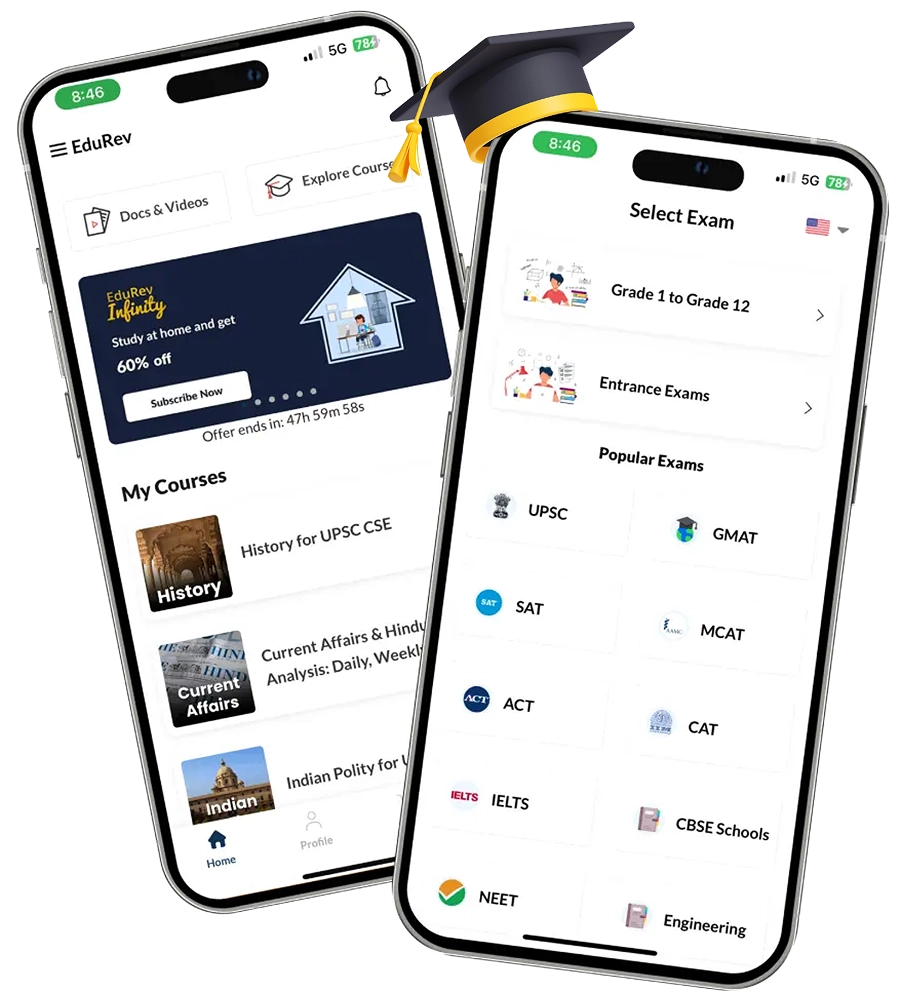
EduRev

Ed-Tech

We developed an innovative exam preparation app, equipped with features including a Content Management System (CMS) and robust user authentication. Our user-friendly design simplifies content search and filtering, enabling seamless progress tracking and interaction with interactive learning tools. With scalability and reliability at its core, the app ensures a secure learning environment through encryption and regular audits.

1 M+

Downloads

Available on

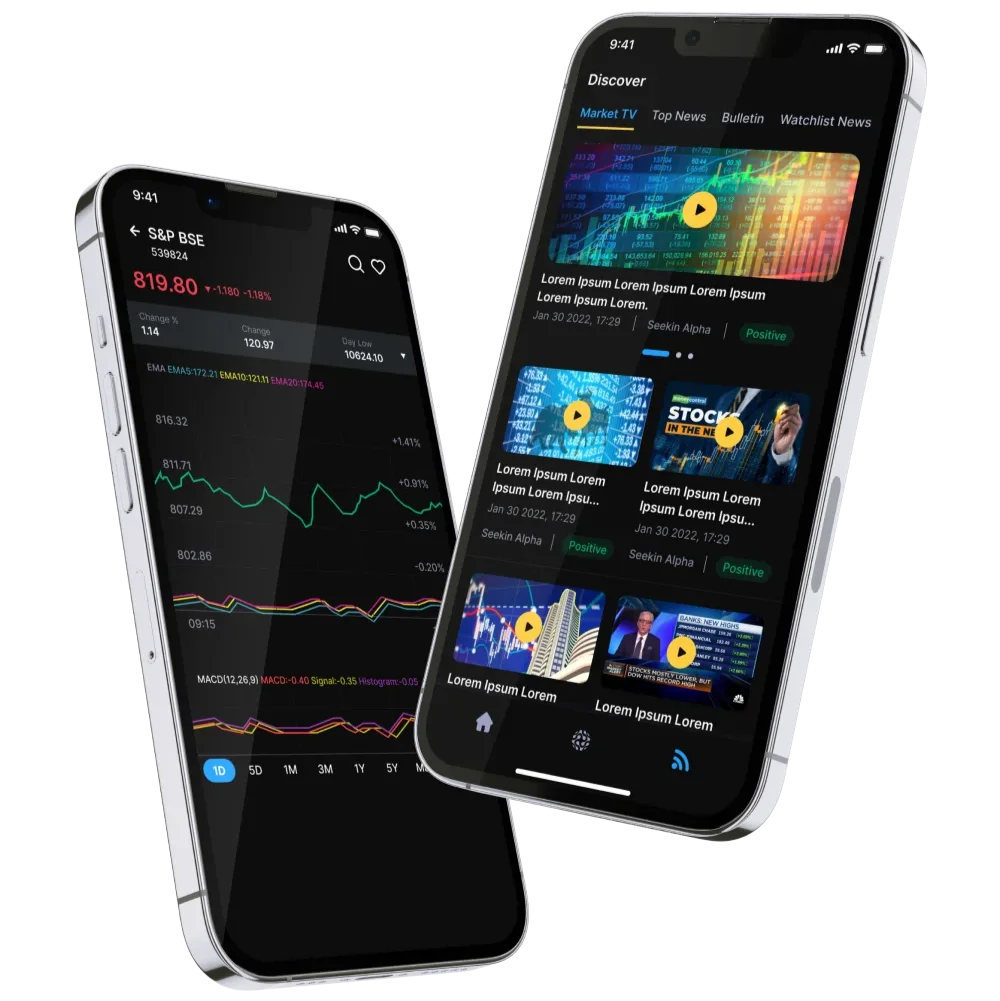
EQL

Blockchain Trading Platform

EQL is a modern stock trading app that leverages real-time social momentum and sentiment analysis to provide valuable insights on trending stocks. It offers convenient features like IPO tracking and investment scanning for traders, investors, and hobbyists.
1 k+

Downloads

Available on

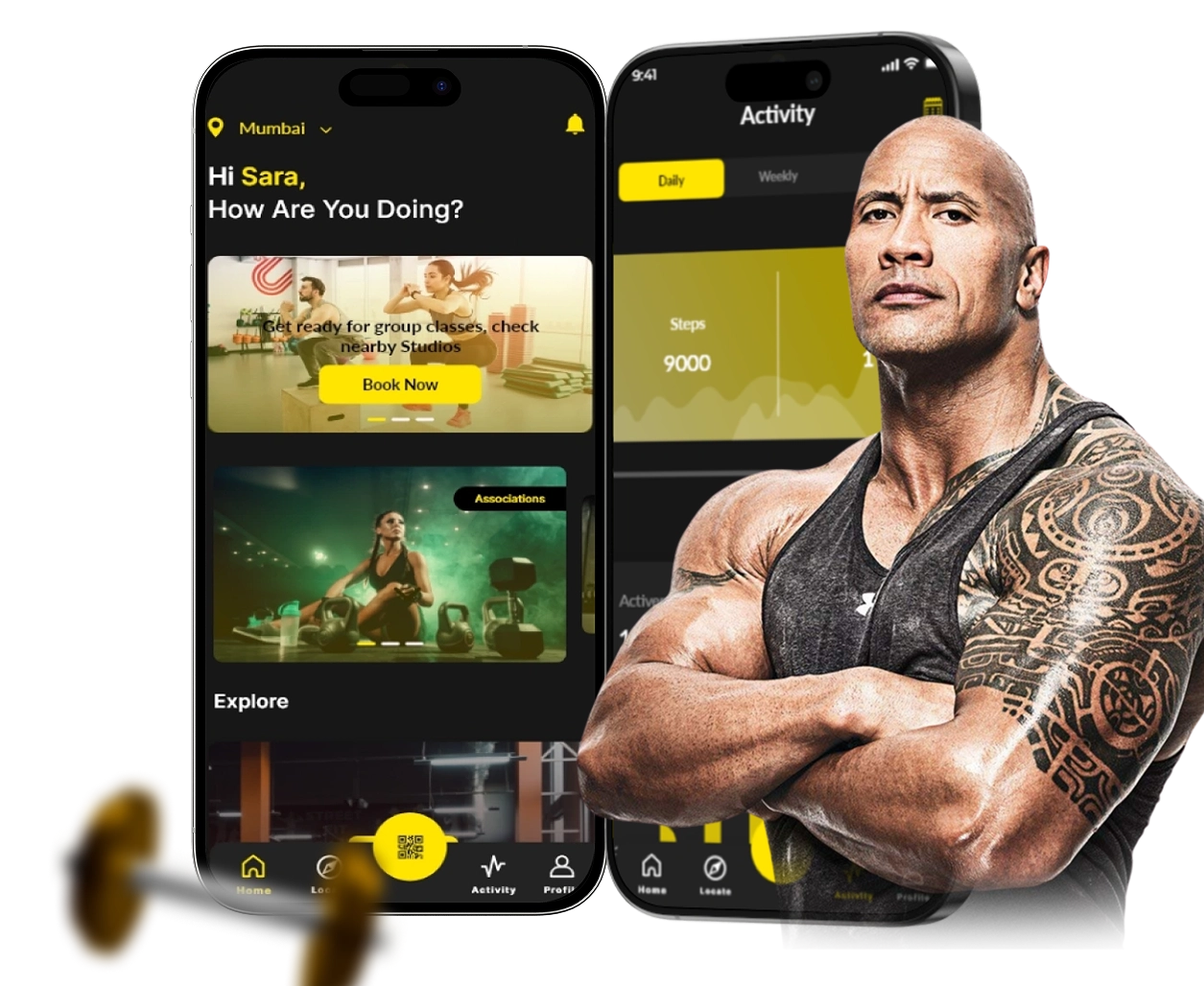
Gold's Gym

Gym Membership App

The app serves as a universal gym pass, removing any barriers for gym members to access Gold's Gym facilities across the entire nation, a testament to the team’s commitment to providing a seamless and hassle-free experience for users.

1 k+

Downloads

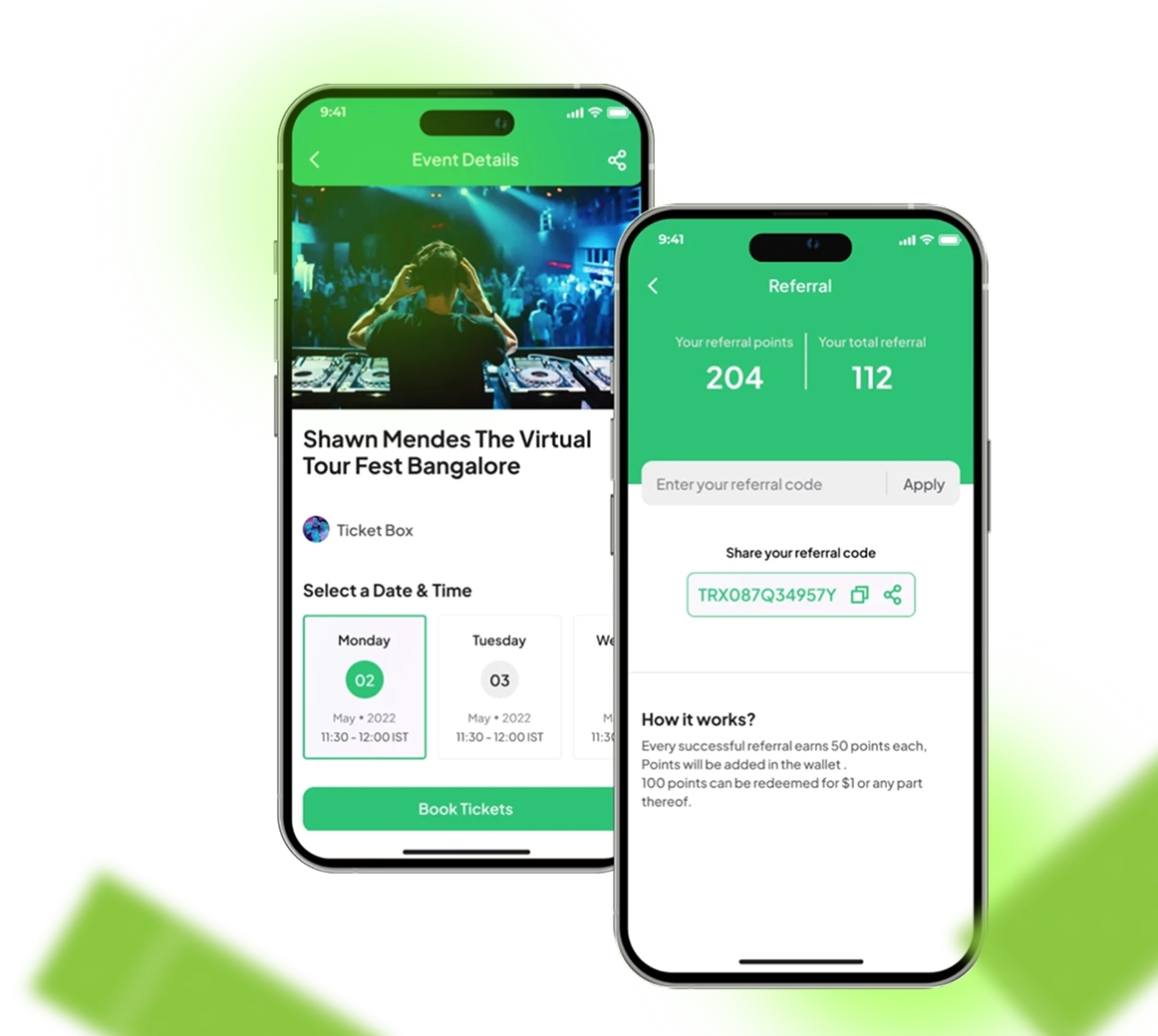
Ticketbox

Booking App

Ticketbox is developed with user convenience in mind, boasting an intuitive interface and seamless functionalities for effortless booking management, ticket viewing, and tracking of booking history. Our integration of secure payment gateways ensures peace of mind, while real-time updates keep users informed every step of the way.

Available on

Testimonials

Client Testimonials

Hear the stories of clients who found success with Idea Usher.

Idea Usher Reviews

5.0
5.0
“They are constantly willing to go beyond and above to address your issues or fulfill your requirements…”

Co-Founder, ShowsHappening

5.0

“The team was great to work with, stayed on track, and exceeded our expectations.”

CEO & Co-Founder, Greenpool Ltd

5.0

“They demonstrated a thorough understanding of our project requirements and provided innovativ…

Executive, Gruve

Hire The Best Developers Backed By Accolades

Clutch

Clutch Fall

Top Firms

Top App Firms

Clutch

Sortlist

Clutch Global

Clutch

GlassDoor

AppFutura

 Company

GoodFirms

Tech Reviewer

TopDevelopers

TechImply

iTRate

IT Firms

Superb Companies

Expertise.com

Software World

Right Firms

Mobile App Development

Selected Firm

Superbcompanies

Clutch

TECHIMPLY

Clutch

Clutch

Clutch

Clutch

Clutch

Most Trusted Software Development Company

Talk to our experts and get the best solutions

CTA

Get a Free demo And Consulation

Get in touch now